




Description
High-Performance Remote Access for Shared Corporate Hardware
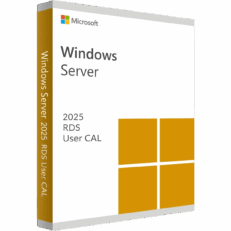
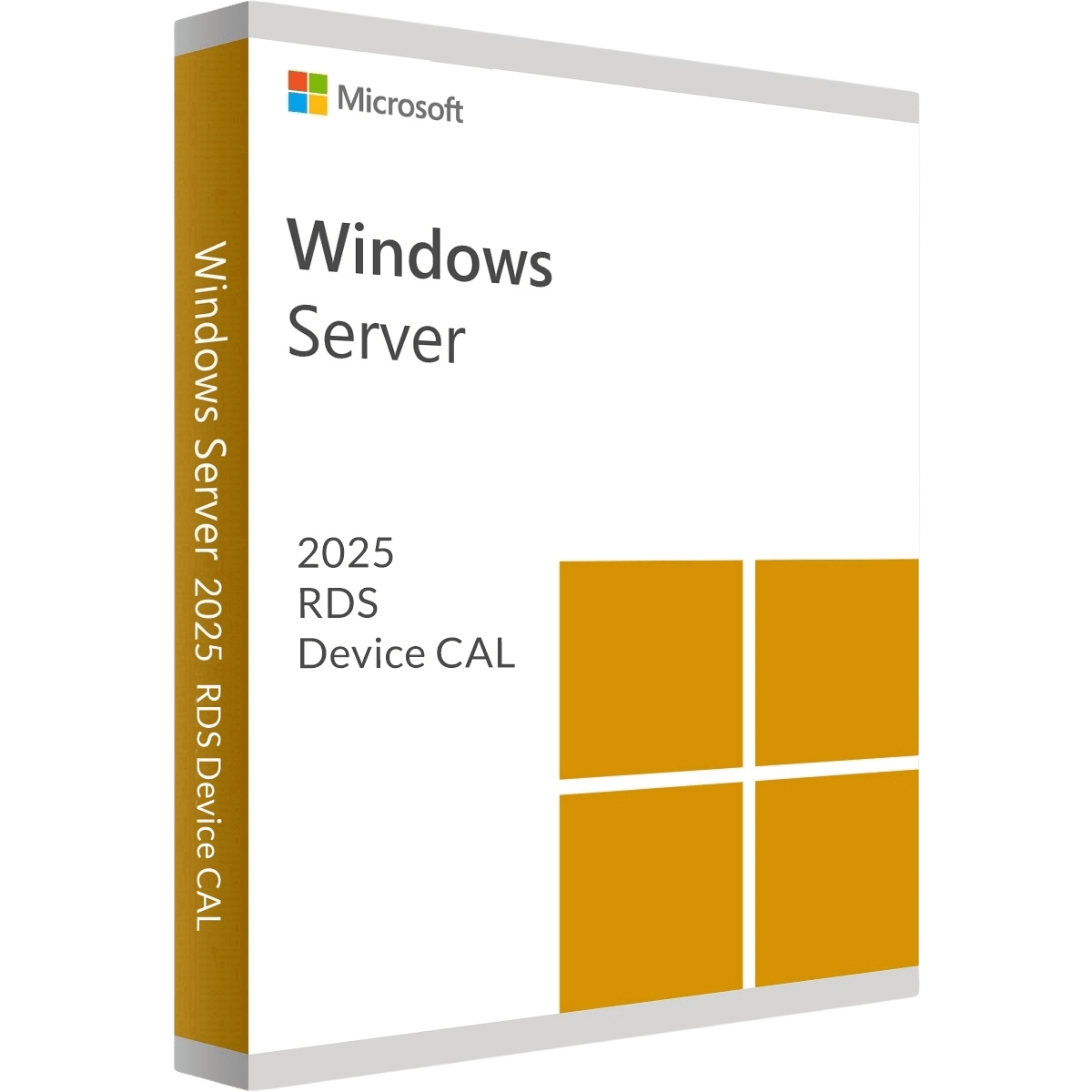
Deploy robust, ultra-fast remote workspaces in your shared-hardware environments with a Windows Server 2025 Remote Desktop Services (RDS) 50 Device CAL. A “Device CAL” ties the connection license directly to a specific piece of physical hardware, allowing an unlimited number of users to log into that machine over different shifts. Powered by the next-gen protocols of Server 2025, this is the ultimate, cost-saving solution for modern call centers, hospital floors, and 24/7 manufacturing plants.
Key Features
-
License 50 Specific Devices: Officially authorize exactly 50 physical endpoints (PCs, thin clients, or kiosks) to access your Server 2025 environment.
-
Unlimited Shift Workers: An unlimited number of different employees can log into a licensed device without you ever having to purchase additional user licenses.
-
Enhanced Connection Stability: Take advantage of Windows Server 2025’s modernized networking stack to ensure dropped connections and latency are a thing of the past.
-
Lower Total Cost of Ownership: Dramatically reduce your IT spending if your business employs a large workforce that shares a smaller pool of physical computers.
-
Simplified Auditing: Keep your corporate network legally compliant. Device CALs are strictly tracked by the RDS server, making IT audits completely stress-free.
The MorKeys Guarantee
-
⚡ Instant Email Delivery: Receive your official 25-digit RDS CAL activation key within seconds of a successful payment.
-
♾️ Permanent Licensing: This is a permanent, one-time purchase for 50 Devices. No monthly subscriptions or hidden renewal fees.
-
🛡️ 100% Guaranteed: Every key is backed by our dedicated support team. If you experience any activation errors, we will replace it or help you fix it instantly.
Deployment Prerequisites
Please ensure your IT environment meets the following requirements before purchasing and installing your RDS CALs.
| Infrastructure | Minimum Requirement |
| Host Operating System | Windows Server 2025 (Standard or Datacenter) must be installed |
| Server Role | Remote Desktop Services (RDS) Licensing Server role must be configured |
| Network Setup | Devices must be able to securely route to the RDS host |
| Licensing Mode | Server must be configured to accept “Per Device” CALs |