




Description
Empower Your Remote Workforce with Secure Desktop Access
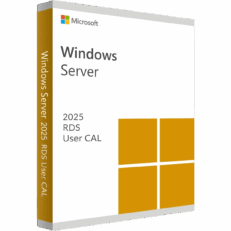
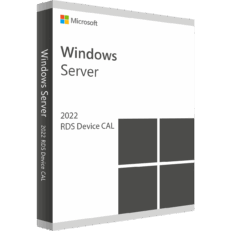
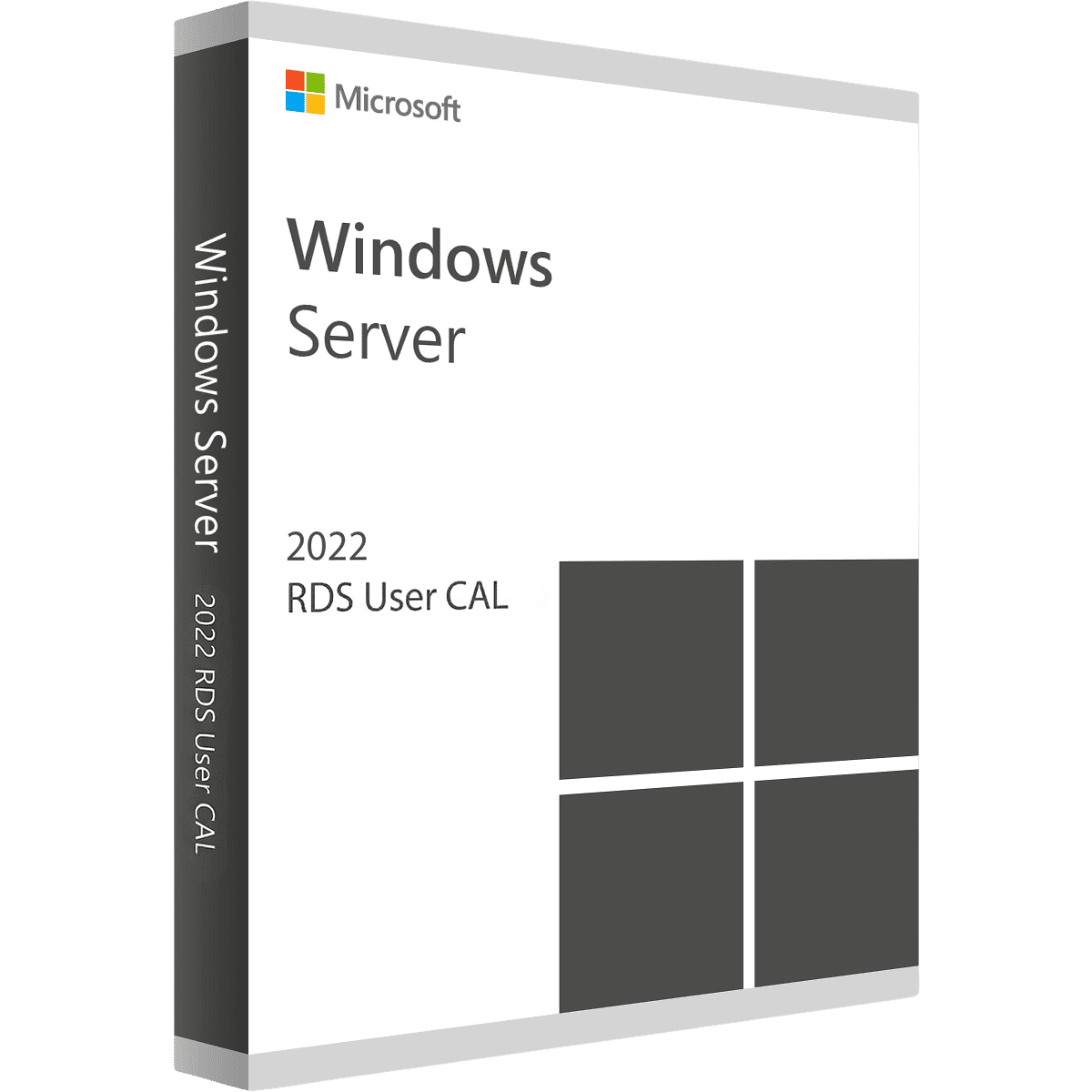
Scale your business and support your remote team effortlessly with a Windows Server 2022 Remote Desktop Services (RDS) 50 User CAL. A “User CAL” (Client Access License) is assigned to a specific person, allowing them to access your server’s remote desktop environment from any device—whether they are logging in from a company laptop at the office, a tablet at a coffee shop, or their personal computer at home. It is the perfect, flexible solution for organizations with roaming employees or hybrid work policies.
Key Features
-
License 50 Specific Users: This package permanently licenses 50 named employees to connect to your central server environment.
-
Device Flexibility: Because the license is tied to the user, your employees can log in from an unlimited number of different computers, tablets, or phones without requiring extra licenses.
-
Seamless Application Delivery: Publish specific corporate applications (like heavy accounting software) directly to users’ devices without installing the software locally.
-
Enhanced Remote Security: Benefit from the robust encryption and secure connection protocols built natively into the Windows Server 2022 Remote Desktop Session Host.
-
Centralized IT Management: Allow your IT team to manage software updates and security policies on a single server, rather than patching 50 individual laptops.
The MorKeys Guarantee
-
⚡ Instant Email Delivery: Receive your official 25-digit RDS CAL activation key within seconds of a successful payment.
-
♾️ Permanent Licensing: This is a permanent, one-time purchase for 50 Users. No monthly subscriptions or hidden renewal fees.
-
🛡️ 100% Guaranteed: Every key is backed by our dedicated support team. If you experience any activation errors, we will replace it or help you fix it instantly.
Deployment Prerequisites
Please ensure your IT environment meets the following requirements before purchasing and installing your RDS CALs.
| Infrastructure | Minimum Requirement |
| Host Operating System | Windows Server 2022 (Standard or Datacenter) must be installed |
| Server Role | Remote Desktop Services (RDS) Licensing Server role must be configured |
| Network Setup | Active Directory Domain Services (AD DS) required for User CAL tracking |
| Licensing Mode | Server must be configured to accept “Per User” CALs |