




Description
Next-Generation Remote Access for Your Hybrid Workforce
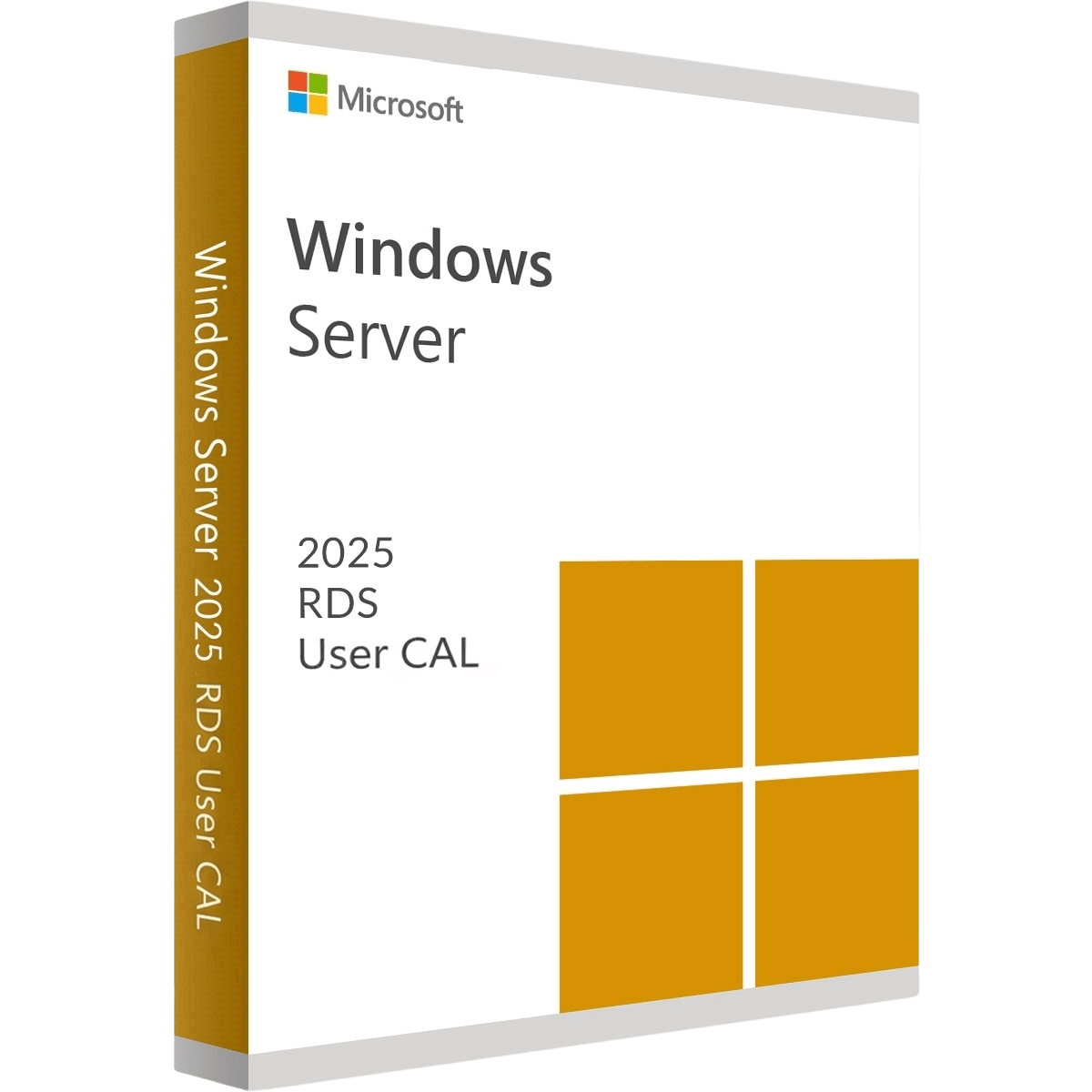
Equip your roaming employees with the fastest, most secure remote desktop experience available using a Windows Server 2025 Remote Desktop Services (RDS) 50 User CAL. A “User CAL” assigns access rights to a specific person, granting them the freedom to connect to your centralized server from any device, anywhere in the world. Backed by the immense performance upgrades of Windows Server 2025, your team will experience smoother graphics, lower latency, and tighter security while accessing company apps and desktops.
Key Features
-
License 50 Specific Users: Permanently authorize 50 named employees to securely access your centralized Remote Desktop environment.
-
Ultimate Device Freedom: Employees can connect from an unlimited number of devices—work laptops, home PCs, or mobile tablets—using their single licensed identity.
-
Next-Gen Display Performance: Benefit from Server 2025’s advanced graphics virtualization, ensuring a buttery-smooth experience even when running graphically intensive applications over the network.
-
Zero Trust Security Integration: Seamlessly integrate remote sessions with modern Active Directory upgrades to ensure only verified users access corporate data.
-
Centralized App Deployment: Keep sensitive company data locked on the server while streaming just the application interface directly to your users’ screens.
The MorKeys Guarantee
-
⚡ Instant Email Delivery: Receive your official 25-digit RDS CAL activation key within seconds of a successful payment.
-
♾️ Permanent Licensing: This is a permanent, one-time purchase for 50 Users. No monthly subscriptions or hidden renewal fees.
-
🛡️ 100% Guaranteed: Every key is backed by our dedicated support team. If you experience any activation errors, we will replace it or help you fix it instantly.
Deployment Prerequisites
Please ensure your IT environment meets the following requirements before purchasing and installing your RDS CALs.
| Infrastructure | Minimum Requirement |
| Host Operating System | Windows Server 2025 (Standard or Datacenter) must be installed |
| Server Role | Remote Desktop Services (RDS) Licensing Server role must be configured |
| Network Setup | Active Directory Domain Services (AD DS) required for User CAL tracking |
| Licensing Mode | Server must be configured to accept “Per User” CALs |