




Description
Cost-Effective Remote Access for Shared Workspaces
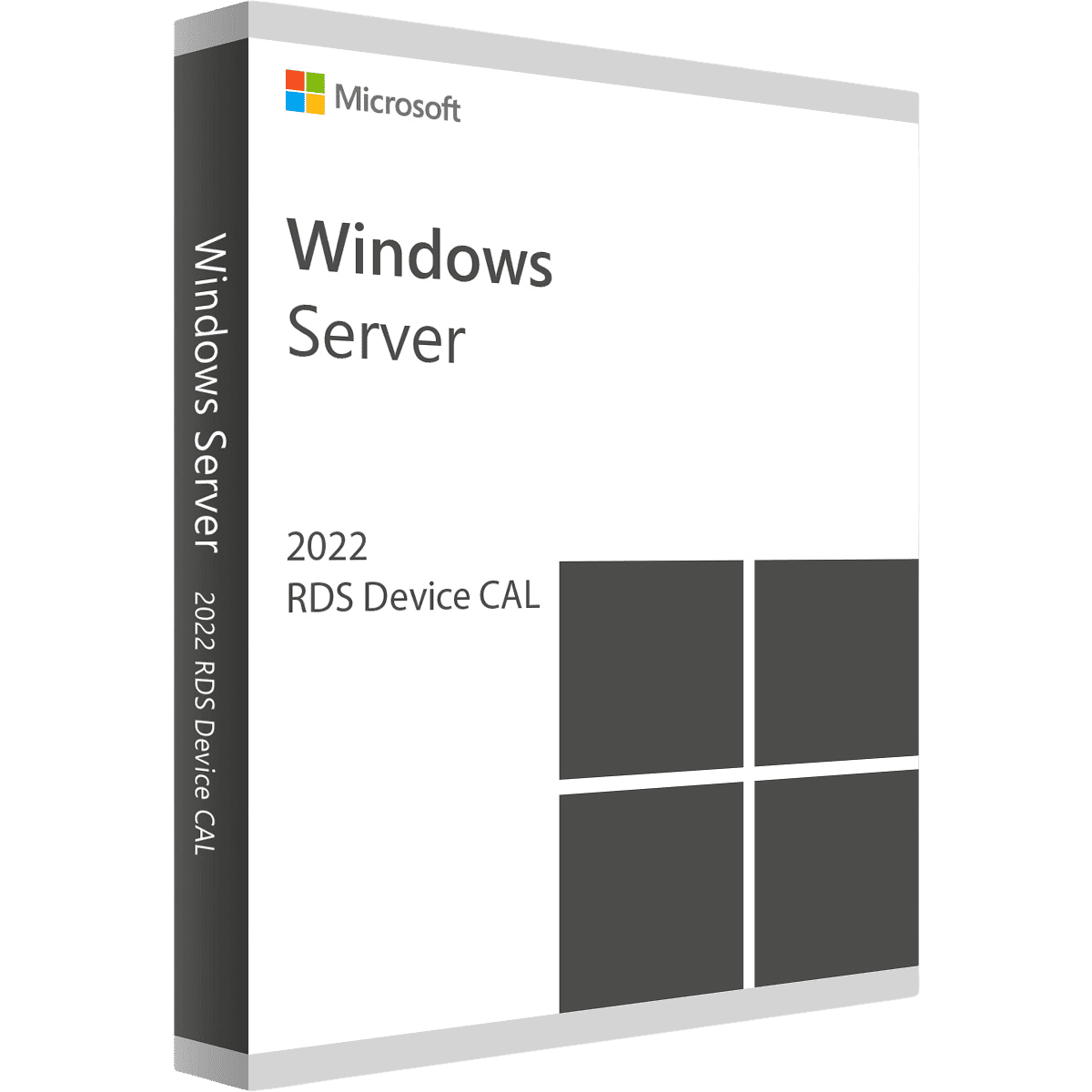
Maximize your IT budget in shift-based or shared-hardware environments with a Windows Server 2022 Remote Desktop Services (RDS) 50 Device CAL. A “Device CAL” (Client Access License) is permanently assigned to a specific piece of hardware (like a desktop computer in a call center or a kiosk at a hospital), allowing an unlimited number of different employees to use that specific device to connect to your remote server. This is the absolute smartest financial choice for businesses running multiple shifts on the same hardware.
Key Features
-
License 50 Specific Devices: This package licenses exactly 50 physical computers, terminals, or kiosks to connect to your server.
-
Unlimited Users Per Device: Whether 2, 5, or 10 different employees log into the same licensed computer during different shifts, you only need one Device CAL for that machine.
-
Perfect for Call Centers & Hospitals: Drastically reduce licensing costs if your total number of employees is higher than your total number of physical computers.
-
Simplified Tracking: Device CALs are easily tracked and managed by your RDS Licensing Server, preventing accidental compliance violations.
-
High-Performance Connection: Deliver a fast, fluid remote desktop experience to your endpoints utilizing Windows Server 2022’s optimized remote display protocols.
The MorKeys Guarantee
-
⚡ Instant Email Delivery: Receive your official 25-digit RDS CAL activation key within seconds of a successful payment.
-
♾️ Permanent Licensing: This is a permanent, one-time purchase for 50 Devices. No monthly subscriptions or hidden renewal fees.
-
🛡️ 100% Guaranteed: Every key is backed by our dedicated support team. If you experience any activation errors, we will replace it or help you fix it instantly.
Deployment Prerequisites
Please ensure your IT environment meets the following requirements before purchasing and installing your RDS CALs.
| Infrastructure | Minimum Requirement |
| Host Operating System | Windows Server 2022 (Standard or Datacenter) must be installed |
| Server Role | Remote Desktop Services (RDS) Licensing Server role must be configured |
| Network Setup | Devices must be able to securely route to the RDS host |
| Licensing Mode | Server must be configured to accept “Per Device” CALs |